These are research notes, not a hands-on review. I have not used this laptop personally. Specs below are from Asus’s official US product page, its tech-spec page, retailer listings (Best Buy, B&H, Amazon), and review coverage. Where I could not verify a claim from a primary source, I say so.
What this is
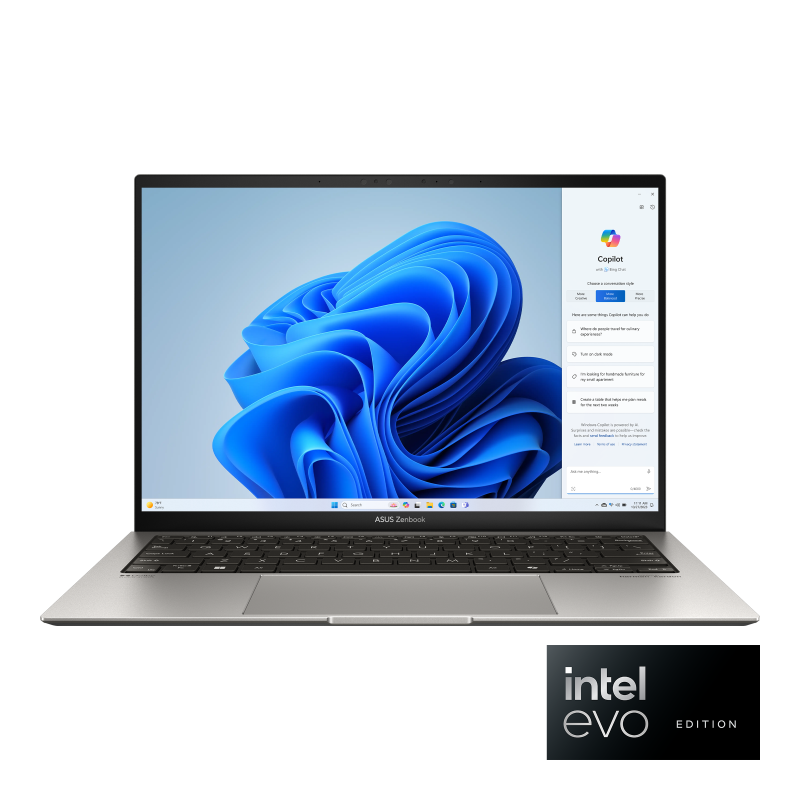
The Asus Zenbook S 13 OLED (UX5304MA) is the 2024 Meteor Lake refresh of the UX5304 chassis. The earlier UX5304VA (2023) used Intel 13th-gen Raptor Lake; the MA refresh swaps in the Intel Core Ultra (Series 1) line. Same 1.0 kg / 13.3-inch chassis, same 2880×1800 OLED, same 63 Wh battery — newer silicon and NPU.
Both UX5304VA and UX5304MA are still listed on retailer shelves at the time of writing, occasionally side-by-side, which makes the model code worth checking on the order page.
Verified spec sheet
From Asus’s own US tech-spec page and product page:
- Weight: 1.0 kg / 2.2 lb (lightest config)
- Thickness: 0.46 in / ~10.9 mm at the thin point
- Display: 13.3-inch 2.8K (2880×1800) 16:10 OLED, glossy
- 0.2 ms response time, 60 Hz refresh
- 400 nits standard, 600 nits HDR peak
- 100% DCI-P3, PANTONE Validated
- Asus Lumina OLED branding; not anti-glare
- CPU: Up to Intel Core Ultra 7 155U (Meteor Lake, 12 cores 4P+8E+2LPE, 14 threads, up to 4.8 GHz)
- NPU: Intel AI Boost, ~11 TOPS (well below the 40 TOPS Copilot+ threshold — this is a pre-Copilot+ Meteor Lake part)
- GPU: Intel Graphics (integrated)
- RAM: Up to 32 GB LPDDR5x at 7467 MHz, soldered
- SSD: Up to 1 TB PCIe 4.0 ×4 NVMe, ~6500 MB/s read
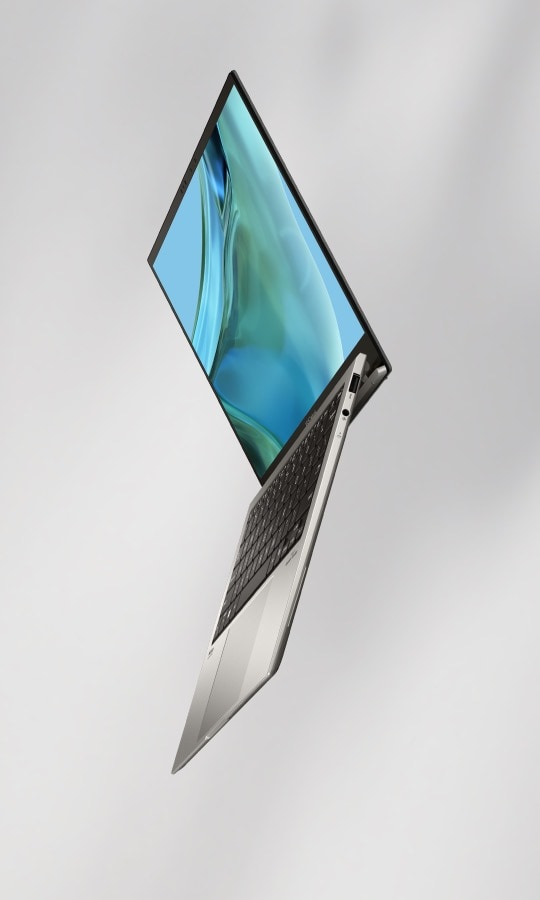
- Ports: 2× Thunderbolt 4 (USB-C), 1× USB-A 3.2 Gen 2, 1× HDMI 2.1, 3.5 mm combo
- Wireless: Wi-Fi 6E, Bluetooth 5.3
- Battery: 63 Wh, ~13 hr stated
- OS: Windows 11 Home or Windows 11 Pro
- Color: Basalt Gray or Ponder Blue
- Audio: Harman Kardon-tuned, Dolby Atmos
- Build: “Plasma Ceramic Aluminum” matte finish; Asus claims up to 90% post-industrial / post-consumer / ocean-bound recycled material
- Standards: MIL-STD-810H tested per Asus
The UX5304VA-XS76T (the 2023 13th-gen variant) is cosmetically and mechanically the same chassis. CPU is i7-1355U with no NPU.
What stands out (on paper)
The display is the obvious headline. 2880×1800 at 13.3 inches works out to roughly 256 PPI, which is well above the 2K threshold and above most competitors at this weight class. OLED gives true blacks and per-pixel brightness control, which matters for HDR content and text contrast in dark themes. On the other hand:
- It’s glossy, not anti-glare. Outdoor or bright-window use will be reflective.
- 60 Hz is unremarkable in 2024–2026; competitors at similar prices offer 120 Hz OLED. Cursor tracking and scroll feel may not match the Lenovo X1 Carbon Aura’s 120 Hz OLED option.
- 400 nits standard / 600 nits HDR peak is modest for an OLED. Some competitors hit 700 nits standard.
Real Thunderbolt 4, plus USB-A and HDMI. Two TB4 ports gives you genuine docking-station / eGPU options if you want them, and the single USB-A keeps legacy peripherals working without a dongle. HDMI out means you can plug into hotel TVs and projectors directly. This port mix is more accommodating than what HP’s OmniBook 7 Aero offers at a similar weight class (OmniBook has no Thunderbolt).
Up to 32 GB RAM. Soldered, so a permanent decision at purchase. The UX5304VA could be configured to 32 GB and so can the MA — but some retail SKUs only list 16 GB. Worth checking before buying if you keep laptops 4–5 years.
Battery is mid-pack. 63 Wh is solid but not class-leading at this weight. Asus’s stated “13+ hours” is best-case; real-world OLED laptops at this brightness typically deliver 7–10 hours of mixed work. Independent reviews have varied here.
What’s worth thinking about before buying
- Glossy OLED in a 1-kg ultraportable is a real tradeoff. The panel quality is excellent; the matte coating is missing. If you work in bright environments, the X1 Carbon Aura’s matte OLED may be more comfortable.
- No Copilot+ NPU. Meteor Lake’s ~11 TOPS NPU isn’t enough for Microsoft’s Copilot+ certification (40 TOPS minimum). If on-device AI features matter to you, look at Lunar Lake (Core Ultra Series 2) or AMD Ryzen AI 300 / Ryzen AI 7 350 systems — the OmniBook 7 Aero has 50 TOPS, the X1 Carbon Aura has up to 47 TOPS.
- 1.0 kg is right at the threshold for this site. Asus’s marketing says “1 kg-light” — that’s the lightest configuration. Some configurations may weigh slightly more; verify on the order page.
- No touchscreen option in current US listings. The 2880×1800 OLED is non-touch only. If touch matters, this isn’t your laptop.
How it compares (briefly)
Against laptops the site has covered:
- vs. Lenovo X1 Carbon Gen 13 Aura (OLED config) — the X1 Carbon is similar weight (0.98 kg vs 1.0 kg), bigger display (14” vs 13.3”), higher refresh (120 Hz vs 60 Hz), anti-glare OLED, and has full ThinkPad keyboard. Asus is cheaper, has slightly higher PPI (256 vs ~242), and Harman Kardon audio is well-reviewed.
- vs. HP OmniBook 7 Aero (2025) — HP is exactly 1.00 kg, IPS not OLED, but bigger 13.3-inch panel at 2560×1600 (~227 PPI). HP has a Copilot+ 50-TOPS NPU; Asus does not. HP’s ports: no Thunderbolt. Asus is the better display + port story; HP is the cheaper + Copilot+ story.
What I still don’t know
- Real-world battery life under typical office workloads. Asus’s 13-hour figure is best-case. Independent reviews split.
- Sustained performance and fan noise — I haven’t seen the cooling system tested under load.
- Keyboard feel — I haven’t typed on this laptop. Asus Zenbook keyboards are generally well-regarded but specific feel varies by generation.
- Speaker quality — Harman Kardon branding is suggestive, not conclusive.
- Long-term OLED behavior — burn-in concerns on laptop OLEDs are generally lower than on TVs, but Asus’s pixel-shift / brightness- uniformity behavior over 2–3 years isn’t something a spec sheet captures.
- Whether the matte X1 Carbon OLED would feel meaningfully better in daily use vs. this glossy panel. Side-by-side comparison is the only way to know.
Caveats
- Desk research only. I have not handled the UX5304MA in person.
- Specs above are from Asus’s official US product page at the time of writing. Configurations and pricing change regularly.
- Image-use posture: Asus product images used in editorial context with attribution. No commercial relationship with Asus.
- No affiliate links anywhere in this article.
If I get hands-on time with one — at a Best Buy, Micro Center, or similar — there will be a separate dated article rather than edits to this one.